Privacy and data protection
Minilytics is private without any setting. It uses no cookies, stores nothing in your visitors' browsers, never keeps their IP address and never sends their data to another company.
Two tracking modes#
Strict mode is the default, and it works without a consent banner. Minilytics keeps nothing on the visitor's device: your server recognizes them with an anonymous code, computed from their IP address and browser. The code changes every month, so a visitor who comes back during the month is counted once and their visits are shown together, but nobody can be followed from one month to the next. The only downsides are that a visitor who changes networks, for example from Wi-Fi to mobile data, is counted twice, and that two people sharing the same network and the same browser are counted once.
The code is computed with a random value that your server draws at the start of each month and deletes at the end of it. Once it is gone, even someone with full access to your server cannot tell which visitor a past code belonged to.
Enriched mode is more precise, but it needs your visitors' consent. It only starts once a visitor accepts analytics in your consent banner, then keeps a temporary identifier in their browser so that a visit stays one visit even when their network changes. Returning visitors are recognized in the same way as in strict mode. The identifier is deleted when the tab is closed or after 30 minutes without activity. Browsers that ask not to be tracked (Do Not Track or Global Privacy Control) are never tracked in this mode.
Choose strict mode if you do not want a consent banner, and enriched mode if you already have one.
In both modes, the end of page addresses, after a ? or a #, is removed because it can contain personal information. Campaign tags such as utm_source are kept.
Turning on enriched mode#
In the tracking snippet, replace data-privacy-mode="strict" with data-privacy-mode="enriched". Then, in your consent banner, call minilytics.consent() when the visitor accepts, and minilytics.withdrawConsent() if they change their mind.
<script
  defer
  src="https://analytics.example.com/minilytics.js"
  data-site-id="my_site"
  data-site-key="your-private-key"
  data-privacy-mode="enriched"
></script>
<script>
  // When the visitor accepts analytics
  minilytics.consent();

  // When the visitor withdraws their consent
  minilytics.withdrawConsent();
</script>
If your page already knows that the visitor accepted, add data-consent="granted" to the snippet instead of calling minilytics.consent().
Your consent banner remembers the visitor's choice. Minilytics does not store it.
Letting visitors opt out#
You can offer visitors a way to stop being counted, for example with a link in your privacy policy. Call minilytics.optOut() to stop counting them and minilytics.optIn() to start again. The choice applies to the browser they use.
minilytics.optOut();
minilytics.optIn();
Visitor location#
Minilytics shows the country, region and city of your visitors. It finds them from the visitor's IP address, without storing that address and without asking another service. If your website already runs behind a service that provides the location, such as Cloudflare, Minilytics uses it instead. Locations are approximate, especially cities.
The location comes from MaxMind GeoLite2 City, a free database also used by Umami. Your server downloads it from a public mirror on GitHub the first time it is needed, then once a week. No visitor information is ever sent with this download.
Website settings#
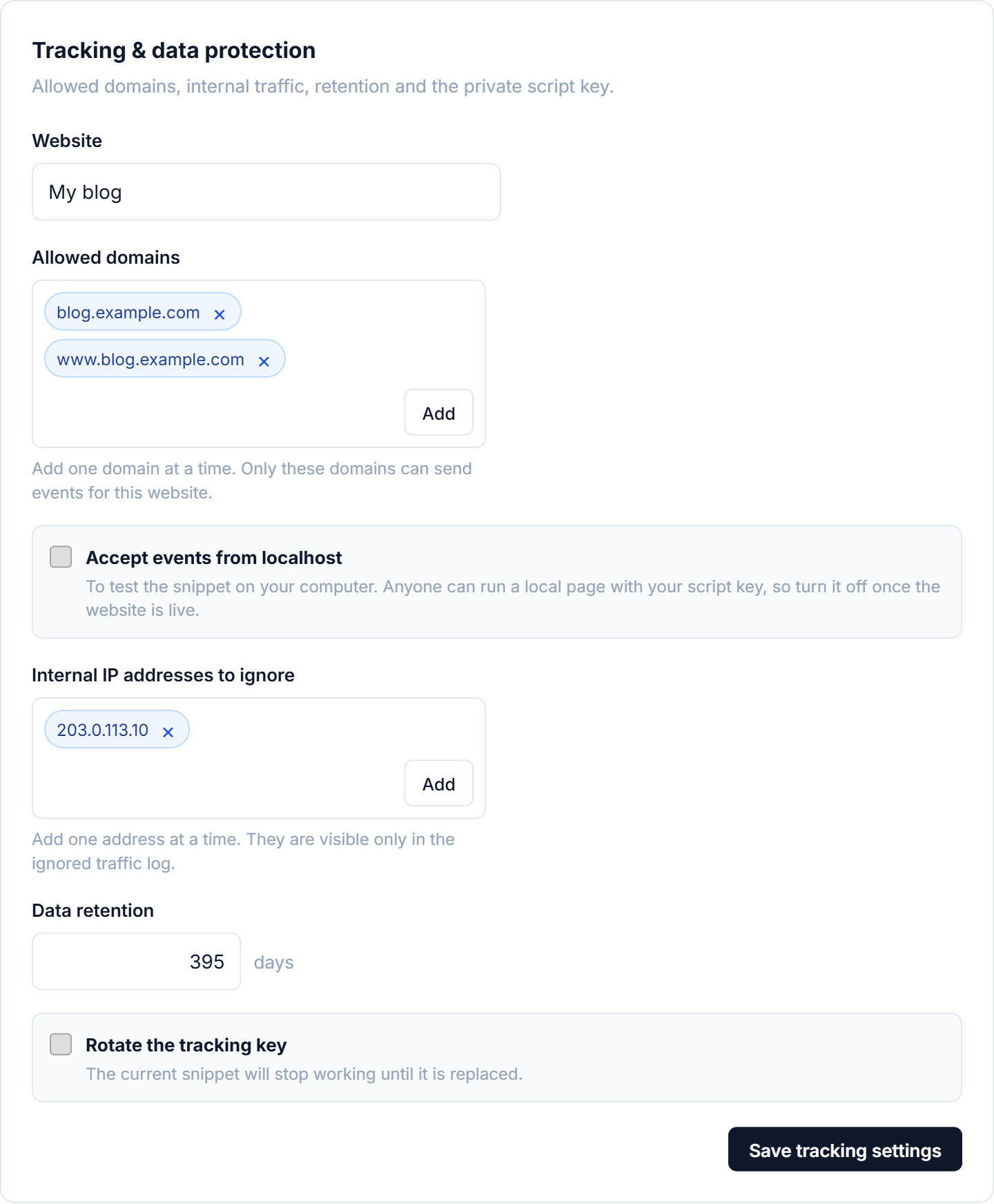
In Settings → Tracking, administrators choose which domains can send data, ignore their own visits by IP address, decide how long data is kept, and can change the website's tracking key.